
 400-188-1518
7 Best Confluence Alternatives in 2026: Enterprise Wiki Tools Compared
After Atlassian’s October 2025 pricing changes and the shift to maximum quantity billing, many organizations are reassessing their knowledge base strategy for 2026. If your team is evaluating options beyond Confluence, this guide covers seven established alternatives worth considering — from enterprise-grade platforms to lightweight wikis and developer-focused documentation tools.
Here are the seven tools evaluated in this comparison:
- ONES — Enterprise R&D management platform with integrated knowledge management
- Slite — AI-first team wiki with content verification
- Nuclino — Lightweight, fast-loading wiki for small teams
- Notion — Flexible all-in-one workspace with databases
- GitBook — Developer documentation with GitHub sync
- Coda (Superhuman Docs) — Interactive documents with maker-pays pricing
- Outline — Open-source wiki with self-hosting option
Table of Contents
1. ONES
ONES is an enterprise-grade research and development management platform that integrates knowledge management into a broader delivery workflow. Rather than treating documentation as an isolated system, ONES connects wikis and knowledge bases directly to project management, requirements tracking, test management, CI/CD pipelines, and code repositories.
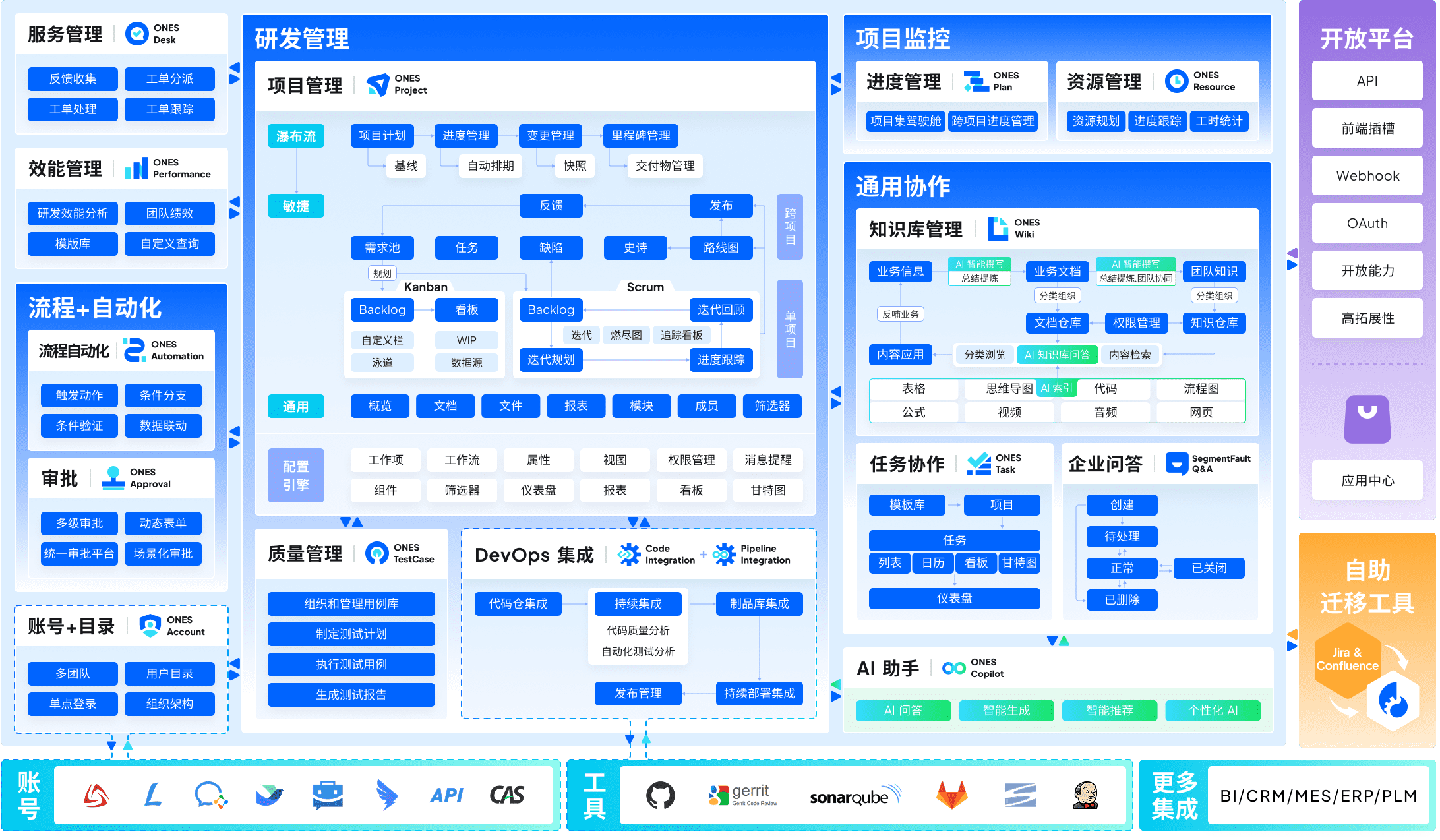
What distinguishes it from Confluence: ONES reduces tool fragmentation by unifying functions that typically require separate subscriptions. For organizations with complex governance needs, it supports configurable workflows, granular permission models, and cross-team collaboration structures. The platform also emphasizes engineering efficiency metrics, enabling data-informed improvements to delivery quality and velocity.
Best suited for: Mid-to-large engineering organizations seeking to consolidate their R&D toolchain and align knowledge management with actual delivery processes.
Pricing: Enterprise-tier pricing; contact sales for quotes based on scale and modules required.
2. Slite
Slite positions itself as a team wiki designed around two persistent pain points in Confluence: unreliable search and outdated content. Its “Ask” feature generates cited answers from existing documentation, while verification workflows flag pages requiring review.
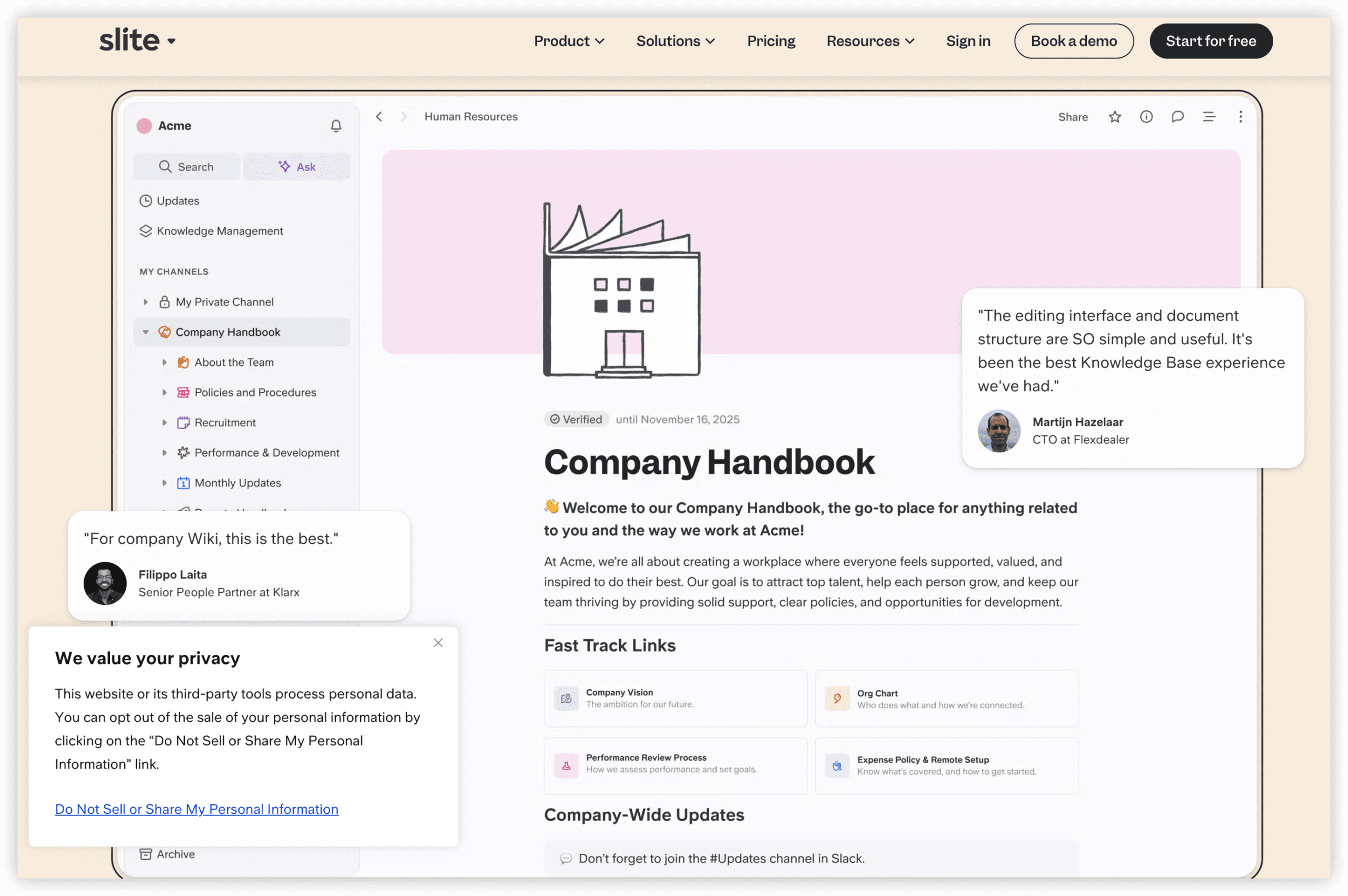
What distinguishes it from Confluence: Slite is intentionally narrow in scope — no macro ecosystem, no plugin marketplace to maintain. AI search is included at the entry paid tier rather than metered by consumption credits. The verification workflow directly addresses the trust erosion that occurs when teams encounter stale documentation.
Best suited for: Organizations where retrieving accurate, current information matters more than advanced page-building capabilities.
Pricing: Free tier available; Standard at $8 per member monthly (includes AI Ask); Premium at $12.50 per member monthly adds API access and SSO.
3. Nuclino
Nuclino emphasizes operational simplicity: a clean editor, immediate search results, and optional graph or board views. Teams frequently adopt it when administrative overhead from larger platforms becomes disproportionate to their needs.
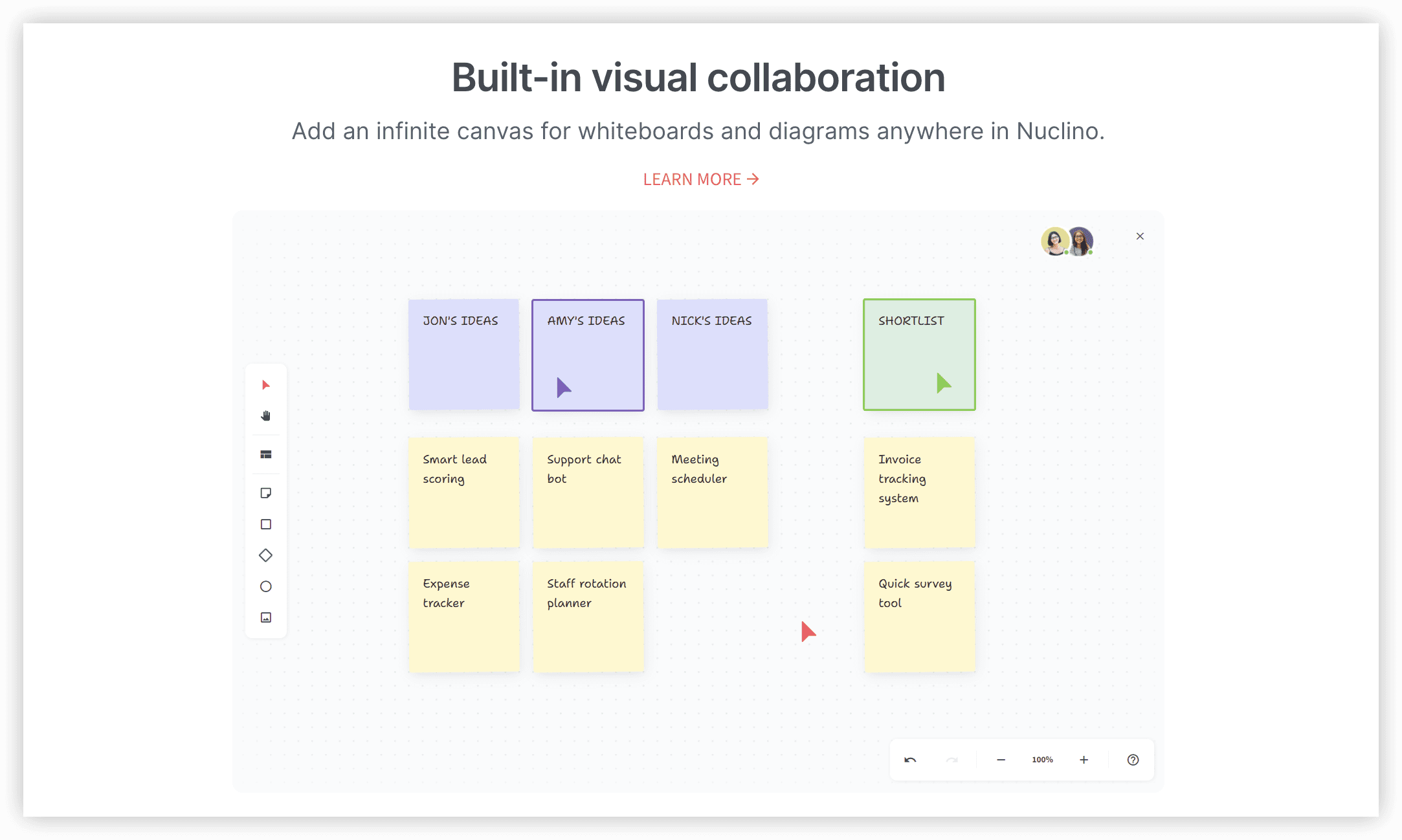
What distinguishes it from Confluence: Minimal configuration, near-zero administrative burden, and fast page loads. It does not attempt to manage project portfolios, but for internal documentation among smaller groups, it delivers substantially lower friction and cost.
Best suited for: Teams of approximately 50 or fewer seeking a functional internal wiki without platform administration.
Pricing: Free tier; Starter at $6 per user monthly; Business at $10 per user monthly (includes Sidekick AI assistant).
4. Notion
Notion has become a widely adopted Confluence alternative through its block-based editor, integrated databases, and embedded AI capabilities. A single workspace can accommodate documentation, wikis, lightweight project tracking, and internal tooling.
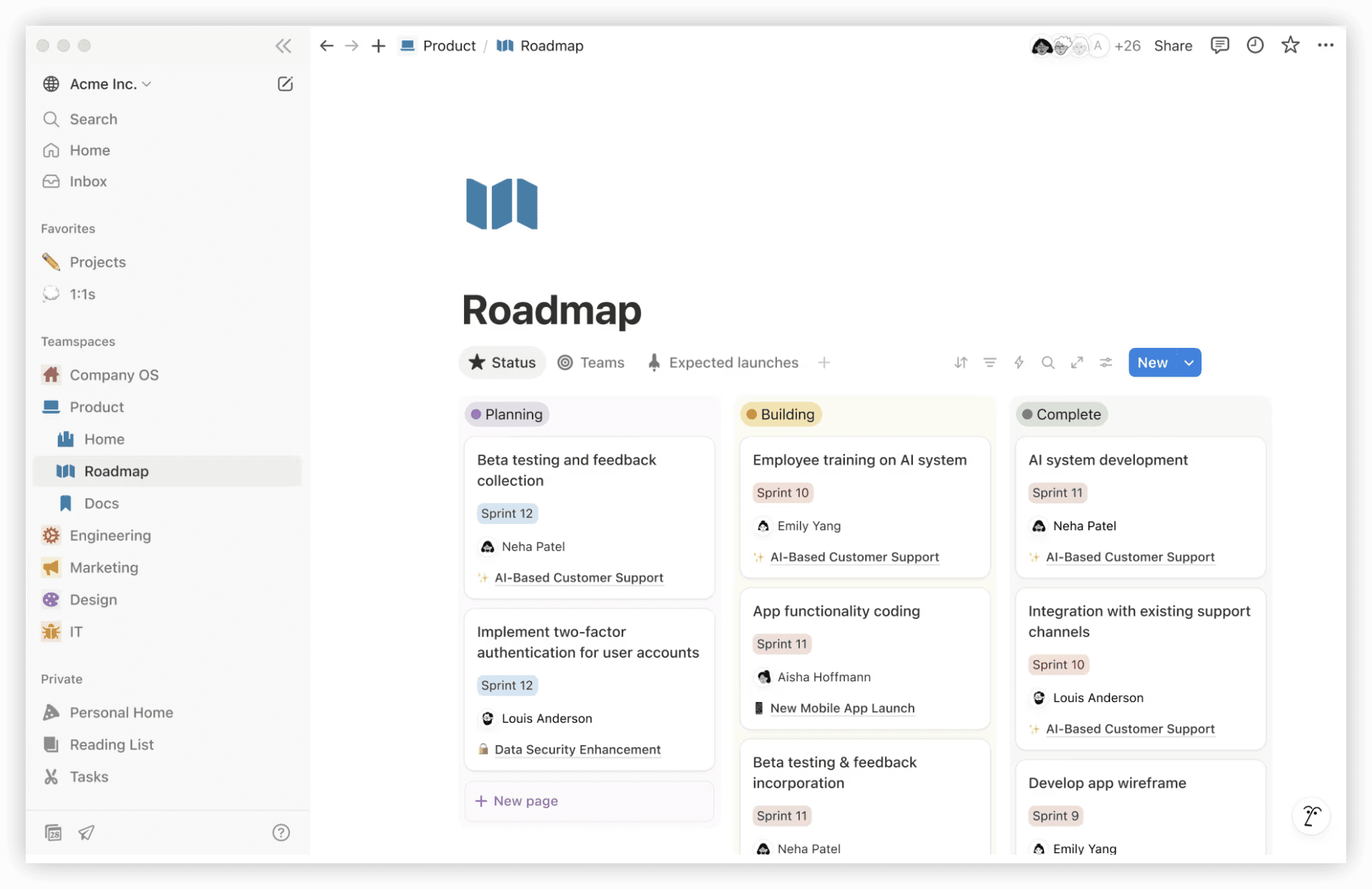
What distinguishes it from Confluence: Notion’s structural flexibility allows a page to function as a document, database, or constrained application. AI search attributes answers to specific source pages. The tradeoff is potential sprawl without disciplined template governance.
Best suited for: Teams wanting unified workspace coverage across documentation, knowledge bases, and informal project coordination.
Pricing: Free for individual use; Plus at $10 per member monthly; Business at $20 per member monthly (annual billing). Full Notion AI and agent capabilities require the Business tier.
5. GitBook
GitBook specializes in technical documentation, API references, and public-facing product documentation. Git-style branching and bidirectional GitHub synchronization keep documentation adjacent to code repositories.
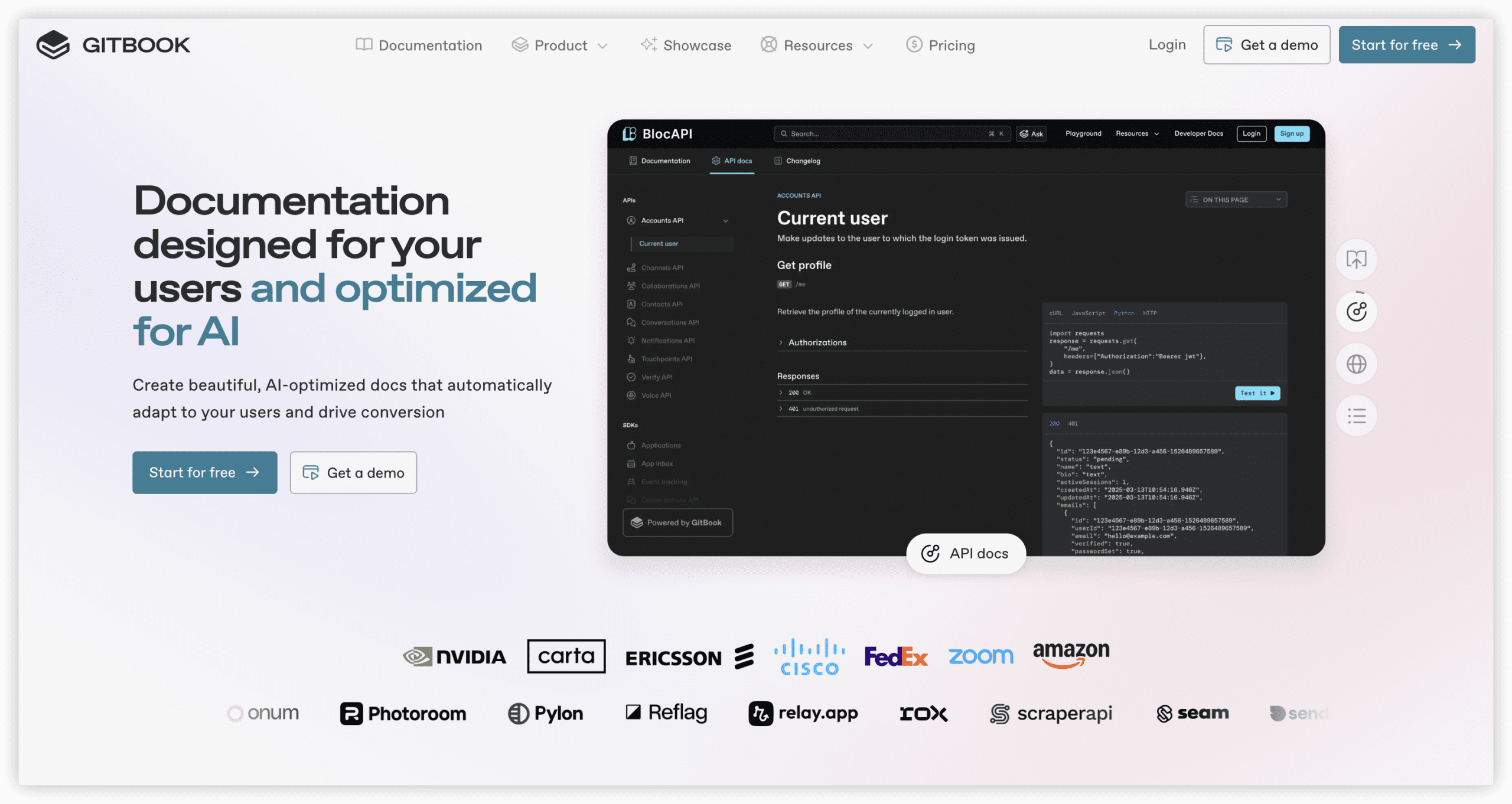
What distinguishes it from Confluence: GitBook applies version control paradigms to documentation — review workflows, branching, and GitHub integration — which engineering teams often prefer over Confluence’s approach. Note its hybrid billing: a base site fee plus per-user charges, which alters cost calculations compared to purely seat-based models.
Best suited for: Engineering teams publishing product documentation, API specifications, or developer portals.
Pricing: Free for personal and open-source use; Premium from $65 per site monthly plus $12 per user; AI features require the Ultimate tier.
6. Coda (Superhuman Docs)
Coda merges document and spreadsheet paradigms, allowing single documents to contain tables, interactive buttons, and automation sequences. Following acquisition by Superhuman’s parent company, the product is transitioning to “Superhuman Docs” branding as of July 2026, though pricing and functionality remain stable. Its billing model is structurally unusual: only document creators incur charges.
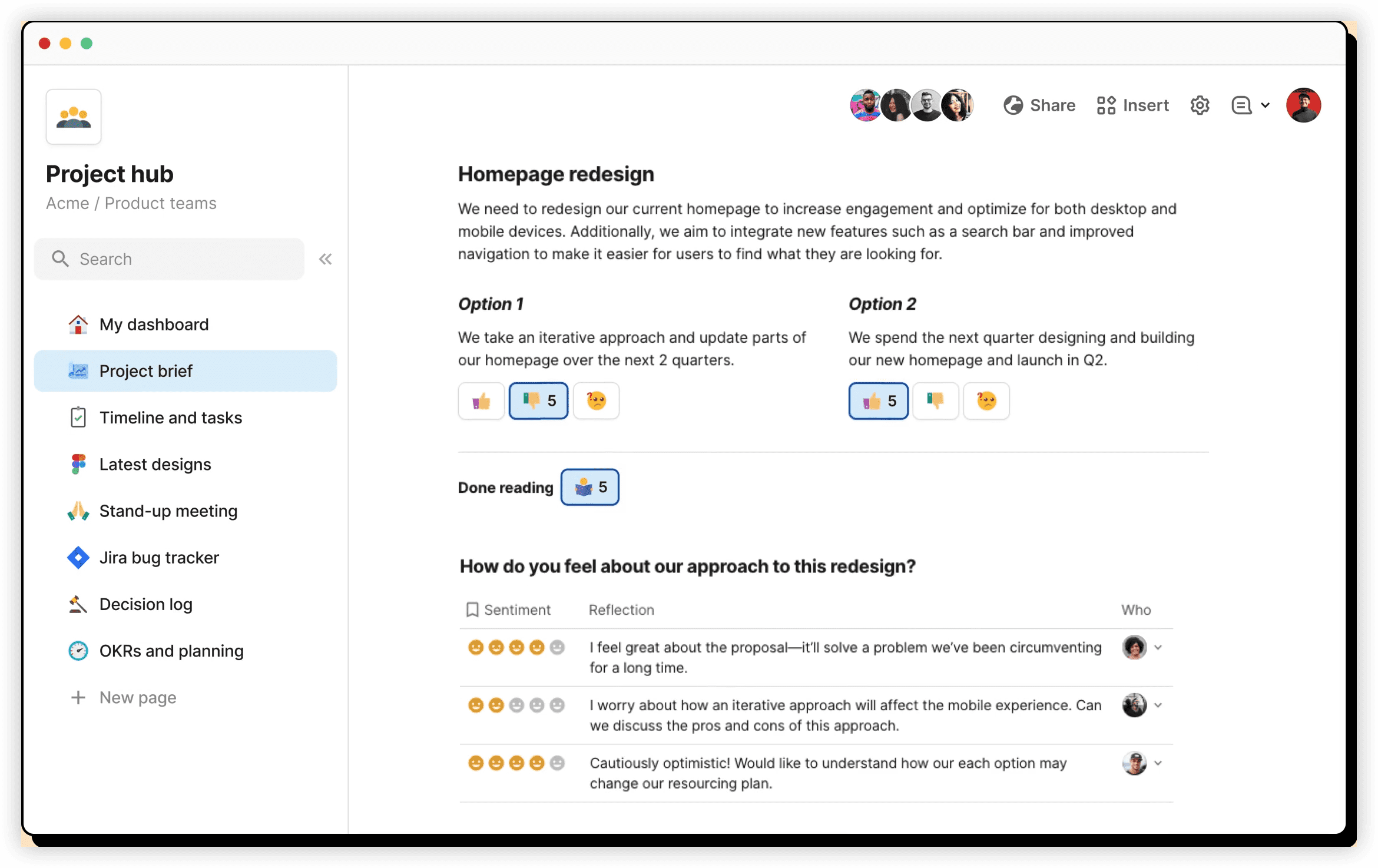
What distinguishes it from Confluence: Coda’s “makers pay, viewers free” structure inverts typical seat economics. A 200-person organization with 20 document creators and 180 readers pays for 20 seats rather than 200 — a direct counter to maximum quantity billing. The complexity tradeoff is that Coda documents can behave like lightweight applications, requiring greater familiarity to build effectively.
Best suited for: Large organizations with high readership ratios, or teams requiring interactive documents beyond static pages.
Pricing: Free tier; Team plan from $30 per maker monthly (annual billing). Viewers and non-creating editors are not charged.
7. Outline
Outline is a source-available team wiki with a refined editor and real-time collaboration. Its most distinctive capability is self-hosting, which provides complete data ownership.
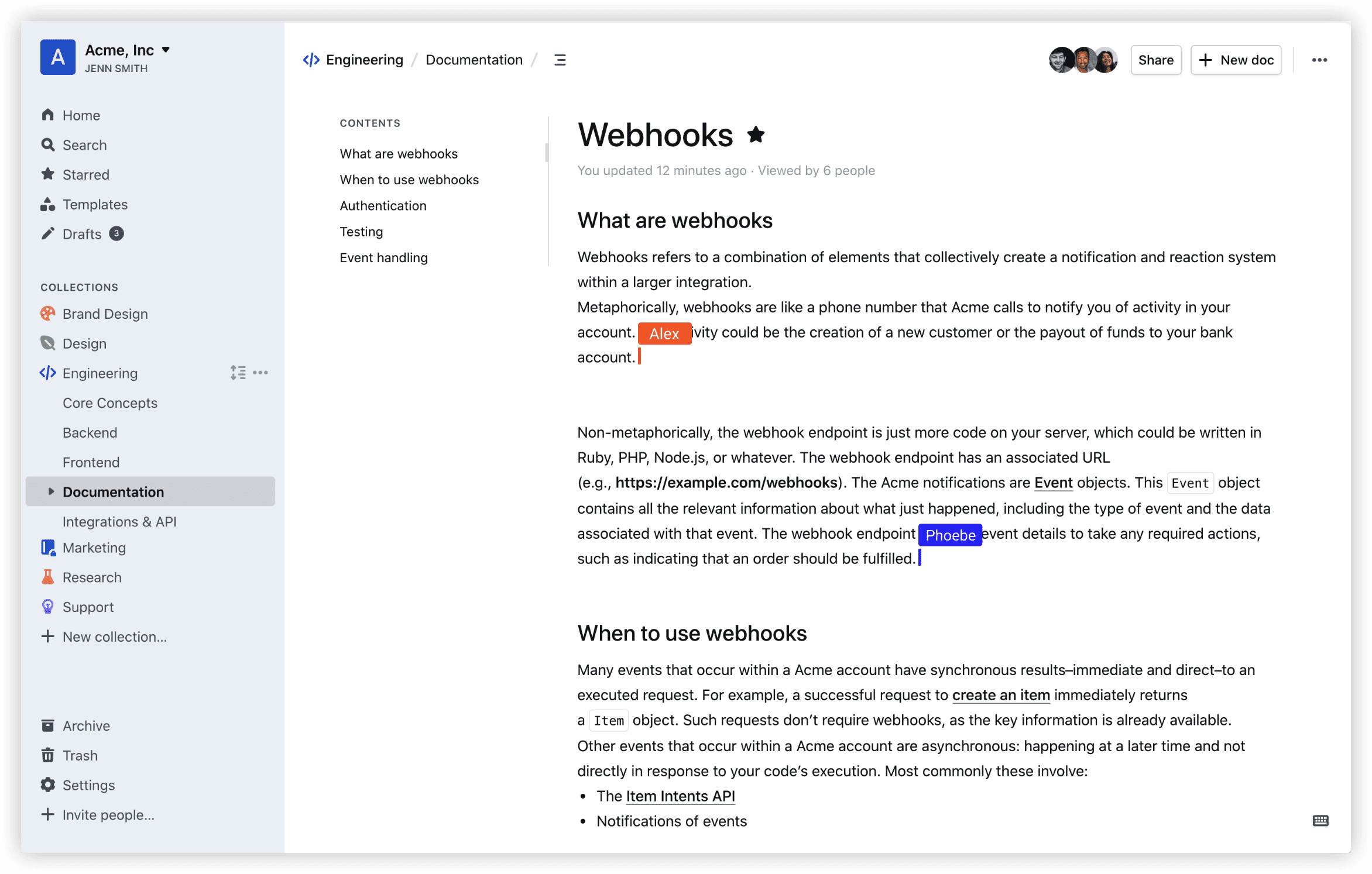
What distinguishes it from Confluence: Self-hosted deployment eliminates per-seat billing entirely — costs are limited to server infrastructure, often under $15 monthly total. For teams preferring managed service, Outline Cloud offers a conventional per-user plan. The scope is deliberately constrained to wiki functionality rather than broader platform ambitions.
Best suited for: Technically capable teams wanting a polished wiki with the option to self-host and avoid seat-based pricing structures.
Pricing: Self-hosted at no license cost (server infrastructure only); Outline Cloud Team plan at $19 per user monthly.
Comparison Summary
| Tool | Primary Use Case | AI Search | Self-Hosting | Starting Paid Price |
|---|---|---|---|---|
| ONES | Enterprise R&D + knowledge integration | Yes | On-premise option | Enterprise (contact sales) |
| Slite | Company wiki with verified content | Ask AI (Standard) | No | $8/member/mo |
| Nuclino | Fast, lightweight wiki | Sidekick (Business) | No | $6/user/mo |
| Notion | All-in-one workspace | Yes (Business) | No | $10/member/mo |
| GitBook | Developer documentation | Yes (Ultimate) | No | $65/site + $12/user |
| Coda | Interactive docs, readers free | Yes | No | $30/maker/mo |
| Outline | Own-your-data wiki | Limited | Yes | Free self-host / $19/user cloud |
Selection Guidance
The appropriate alternative depends on organizational context rather than feature checklists alone:
- For enterprise engineering organizations managing complex delivery pipelines, ONES provides knowledge management within an integrated R&D platform rather than as a separate system.
- For teams prioritizing content freshness and AI retrieval, Slite’s verification workflows and included AI search address specific reliability concerns.
- For cost-sensitive small teams, Nuclino or Outline’s self-hosted option minimize expenditure and administrative overhead.
- For large organizations with many readers, Coda’s maker-pays model can substantially reduce seat costs compared to conventional structures.
- For developer-facing documentation, GitBook’s repository-adjacent workflow aligns with engineering practices.
Frequently Asked Questions
What prompted increased interest in Confluence alternatives during 2026?
Atlassian implemented two significant changes on October 15, 2025: cloud price increases of approximately 5% on Standard and 7.5% on Premium tiers, and a transition to maximum quantity billing. Under this model, invoices reflect the highest active user count during any point in the billing period rather than the closing count, making fluctuating headcount — such as temporary contractors — more expensive.
How does maximum quantity billing function?
Monthly charges are calculated from the peak number of active users at any moment during the billing cycle. Adding users mid-month, even temporarily, results in charges for those seats across the entire billing period regardless of subsequent removal.
Which alternative most closely parallels Confluence’s core functionality?
For general team wikis, Slite and Notion represent the most common migrations — Slite for focused documentation with strong freshness controls, Notion for flexible workspace consolidation. Engineering teams typically gravitate toward GitBook or integrated platforms like ONES.
What approaches eliminate per-seat pricing entirely?
Self-hosting open-source solutions such as Outline removes per-user charges, with costs limited to infrastructure. Alternatively, role-based models like Coda’s maker-pays structure ensure read-only participants do not consume billable seats.
Does ONES require separate knowledge base licensing?
ONES integrates knowledge management within its broader R&D platform. Organizations should evaluate whether consolidated tooling reduces total subscription costs compared to maintaining separate wiki, project management, and DevOps tools.