
 400-188-1518
7 Best Confluence Alternatives in 2026: Enterprise Knowledge Management Tools Compared
Teams evaluating knowledge management platforms in 2026 have seven viable alternatives to consider. This guide examines ONES, Slite, Nuclino, Notion, GitBook, Coda (Superhuman Docs), and Outline — each positioned for different organizational needs, from enterprise-scale R&D governance to lightweight team wikis and developer-centric documentation.
Table of Contents
Why Teams Are Reconsidering Confluence in 2026
Two structural changes from Atlassian in late 2025 accelerated migration planning. A cloud price adjustment of approximately 5% on Standard plans and 7.5% on Premium plans took effect October 15, 2025. More significantly, Atlassian transitioned monthly subscriptions to maximum quantity billing: invoices reflect the highest active user count at any point during the billing cycle, not the closing headcount. Temporary contributors — contractors brought in for a two-week sprint, for example — trigger full-month charges for their seats even after departure.
The reception for Rovo, Atlassian’s AI layer intended to address longstanding search and content freshness limitations, has been uneven. The credit-based consumption model (25 credits per user monthly on Standard, with single chat requests consuming 10 credits) introduces friction that many teams find constraining rather than enabling.
1. ONES — Enterprise R&D Knowledge Management
ONES is an enterprise-grade research and development management platform that integrates knowledge management within a unified delivery pipeline. Rather than treating documentation as a separate system, ONES embeds wikis and knowledge repositories alongside project management, requirements tracking, test management, and CI/CD workflows.
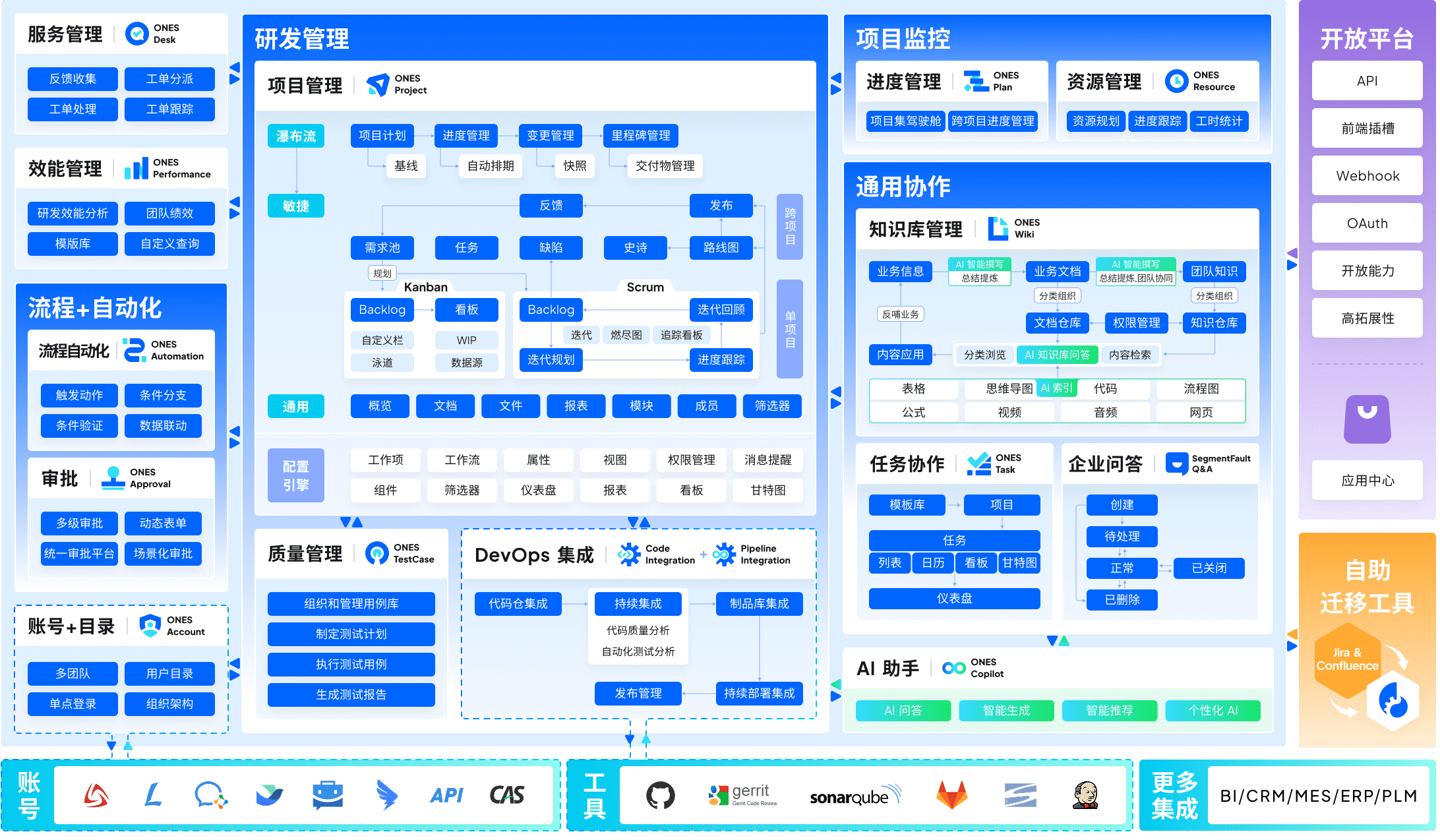
What distinguishes it from Confluence: ONES is architected for organizational complexity. Multi-layer permission models, configurable workflow governance, and cross-functional team coordination are native capabilities rather than plugin-dependent configurations. The platform emphasizes engineering effectiveness measurement — teams can trace how knowledge access correlates with delivery velocity and quality outcomes. This integration eliminates the tool fragmentation common when Confluence operates alongside separate project management, testing, and pipeline systems.
Best suited for: Mid-to-large technology organizations managing complex product development with strict governance requirements, particularly those in regulated industries or with matrixed team structures.
Pricing: Enterprise-tier pricing; contact ONES for organization-specific quotes based on scale and module configuration.
2. Slite — Verified Team Knowledge Base
Slite positions itself as a dedicated team wiki addressing two persistent Confluence pain points: discoverability and content currency. Its “Ask” AI surfaces answers with source citations, while document verification workflows flag material that may have become outdated.

What distinguishes it from Confluence: Slite adopts a constrained, opinionated design philosophy rather than extensibility through macros and marketplace plugins. AI search functionality is included at the entry paid tier without credit-based metering. The verification workflow directly targets the trust erosion that occurs when stale documentation remains accessible.
Best suited for: Organizations where retrieving accurate, current information outweighs requirements for advanced page construction or deep customization.
Pricing: Free tier for small teams; Standard at $8 per member monthly (includes AI Ask); Premium at $12.50 per member monthly adds API access and single sign-on integration.
3. Nuclino — Lightweight Operational Wiki
Nuclino delivers a minimal-overhead documentation environment with a responsive editor, immediate search, and multiple view modes including graph and board visualizations. Teams typically adopt it when administrative burden and performance latency become unacceptable with larger platforms.
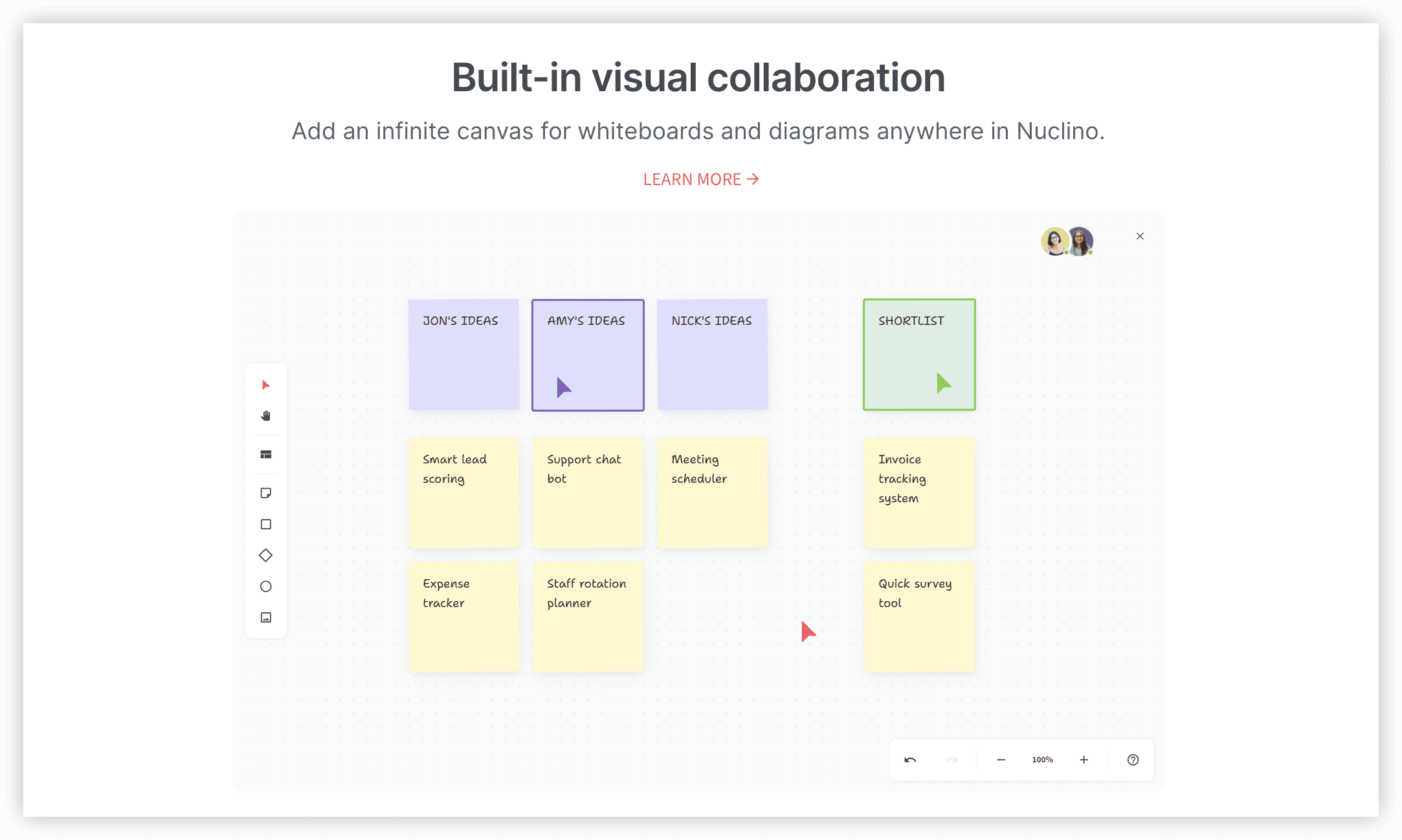
What distinguishes it from Confluence: Deployment friction and ongoing administration are substantially reduced. Page load times are near-instantaneous, and configuration requirements are minimal. The tradeoff is narrower functional scope — Nuclino does not attempt to support portfolio-level project management or complex workflow orchestration.
Best suited for: Teams below approximately 50 members seeking rapid deployment of an internal reference system without platform management overhead.
Pricing: Free tier available; Starter at $6 per user monthly; Business at $10 per user monthly includes the Sidekick AI assistant.
4. Notion — Flexible Unified Workspace
Notion combines block-based document editing, structured databases, and embedded AI within a single workspace capable of supporting wikis, documentation, lightweight project tracking, and internal tool prototyping.
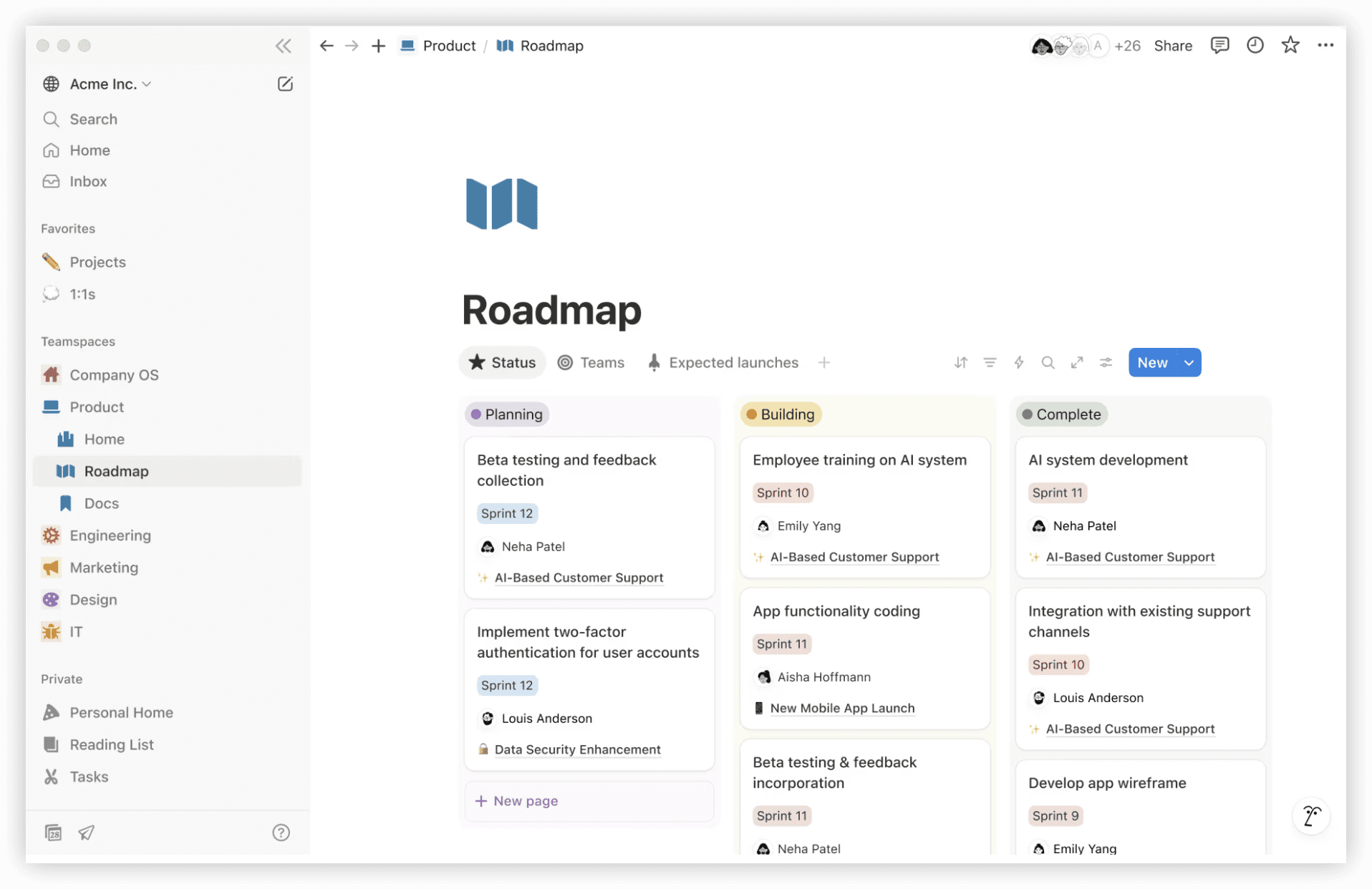
What distinguishes it from Confluence: Structural flexibility is substantially greater — a single page can function as prose, a relational database, or an interactive application. AI search provides cited source references. The corresponding risk is architectural sprawl without disciplined template governance and workspace organization.
Best suited for: Teams seeking to consolidate documentation, knowledge bases, and operational tracking within one environment rather than maintaining separate specialized tools.
Pricing: Free for individual use; Plus at $10 per member monthly; Business at $20 per member monthly (annual commitment). Full Notion AI and agent capabilities require the Business tier.
5. GitBook — Technical Documentation Platform
GitBook specializes in technical documentation, API references, and public-facing product documentation. Git-style branching and bidirectional GitHub synchronization enable documentation to evolve adjacent to source code.
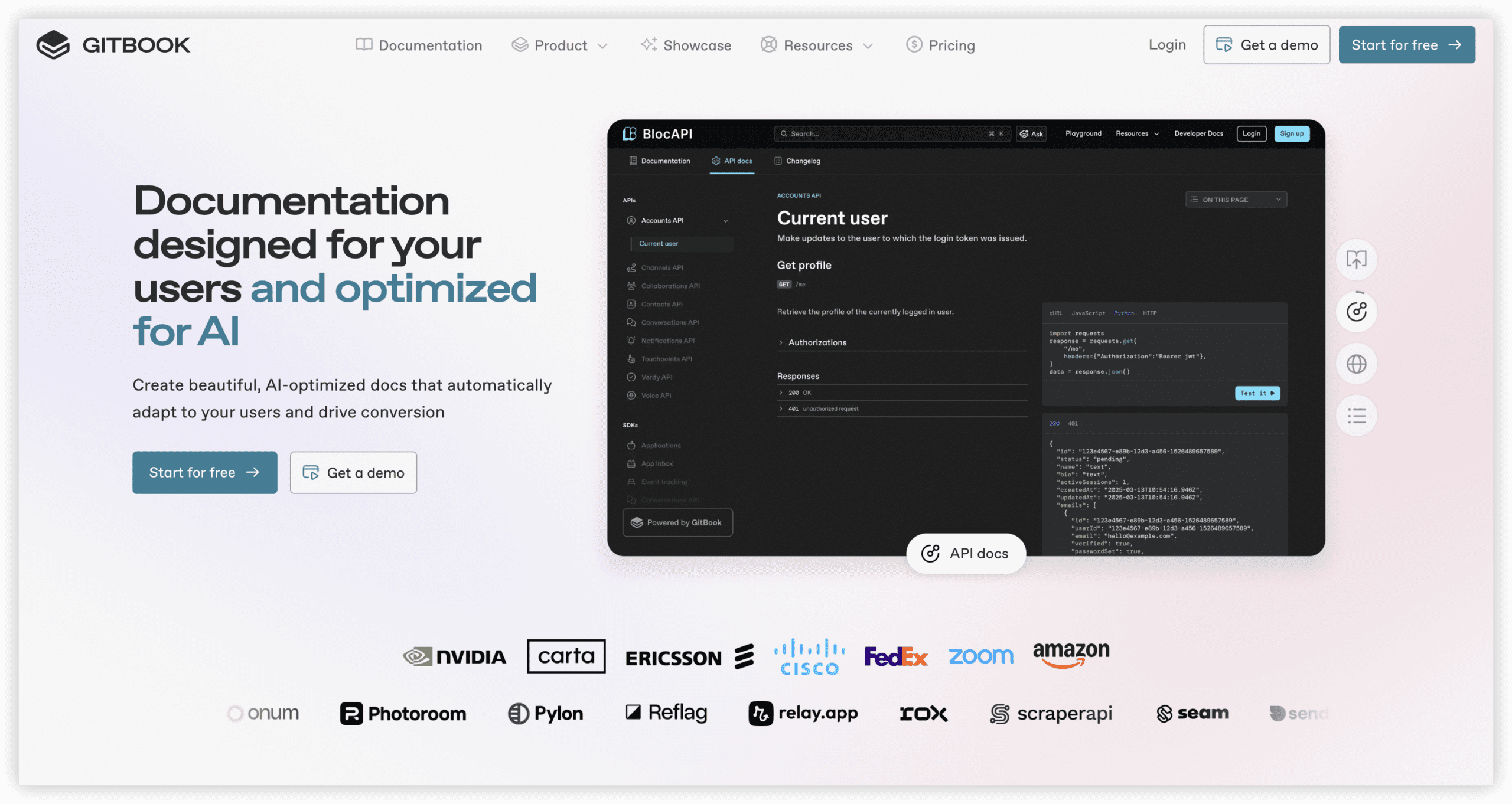
What distinguishes it from Confluence: Documentation is treated as code — version control, review workflows, and repository synchronization are foundational rather than bolted-on. The billing structure combines per-site and per-user components, requiring distinct cost modeling from conventional seat-based pricing.
Best suited for: Engineering organizations publishing API documentation, technical specifications, or developer portals where documentation lifecycle alignment with code release processes is critical.
Pricing: Free for personal and open-source projects; Premium from $65 per site monthly plus $12 per user; AI features require the Ultimate tier.
6. Coda (Superhuman Docs) — Interactive Document System
Coda merges document and spreadsheet paradigms, enabling single documents to contain structured tables, actionable buttons, and automation triggers. Following acquisition by Superhuman’s parent company, the product is transitioning to “Superhuman Docs” branding as of July 2026, with existing pricing structures maintained during the transition.
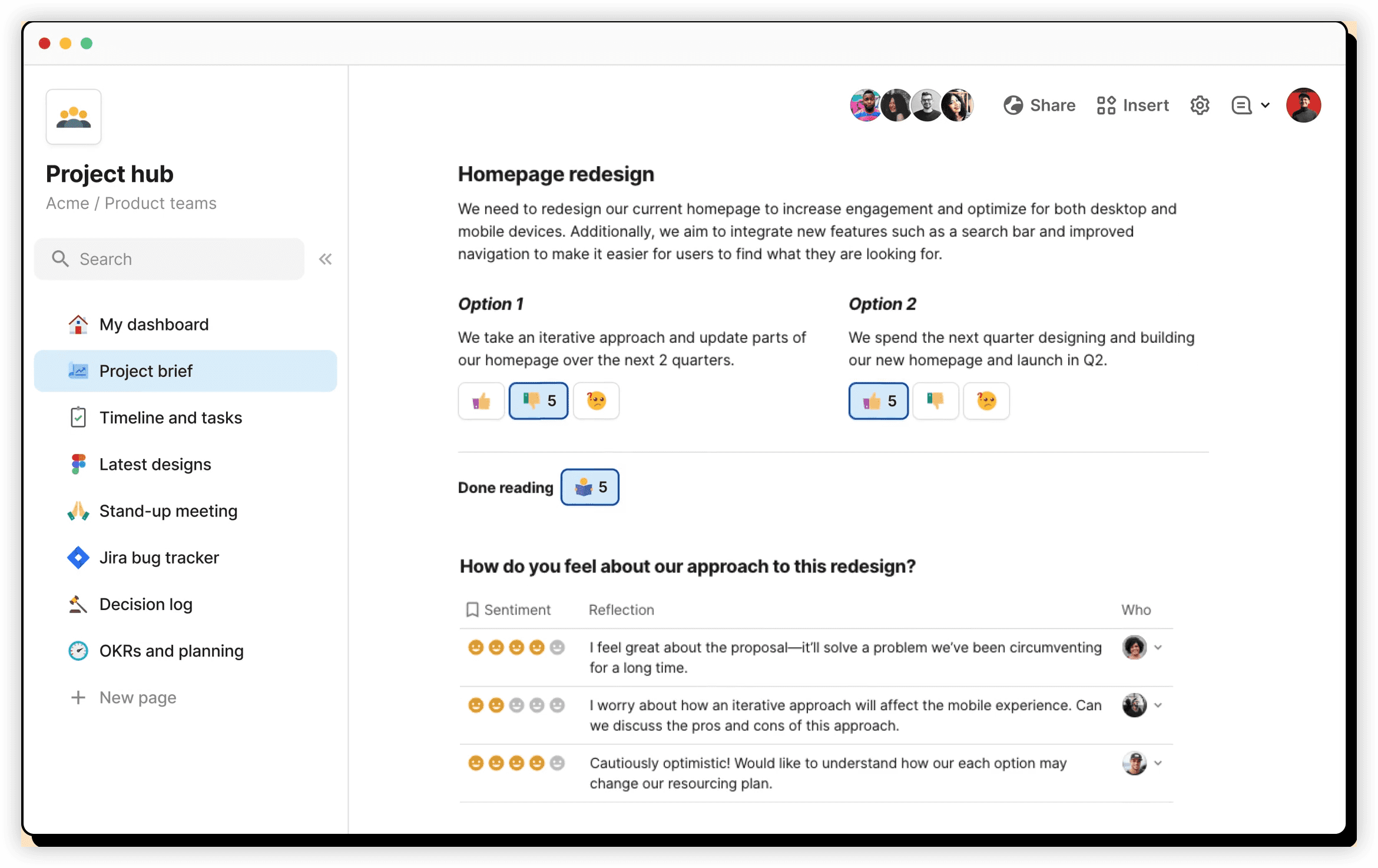
What distinguishes it from Confluence: The “makers pay, viewers free” pricing model inverts conventional seat economics. A 200-person organization with 20 document creators and 180 consumers pays for 20 seats rather than 200 — a direct counter to maximum quantity billing. The functional depth creates a steeper learning curve than conventional wikis, as documents can behave as lightweight applications.
Best suited for: Large organizations with high read-to-write ratios among knowledge consumers, or teams requiring interactive documents with embedded logic and automation.
Pricing: Free tier; Team plan from $30 per maker monthly (annual). Viewers and non-creating editors incur no charge.
7. Outline — Self-Hosted Knowledge Repository
Outline is a source-available team wiki with a polished editor and real-time collaborative editing. Its defining structural option is the ability to self-host, eliminating vendor dependency and per-seat billing entirely.
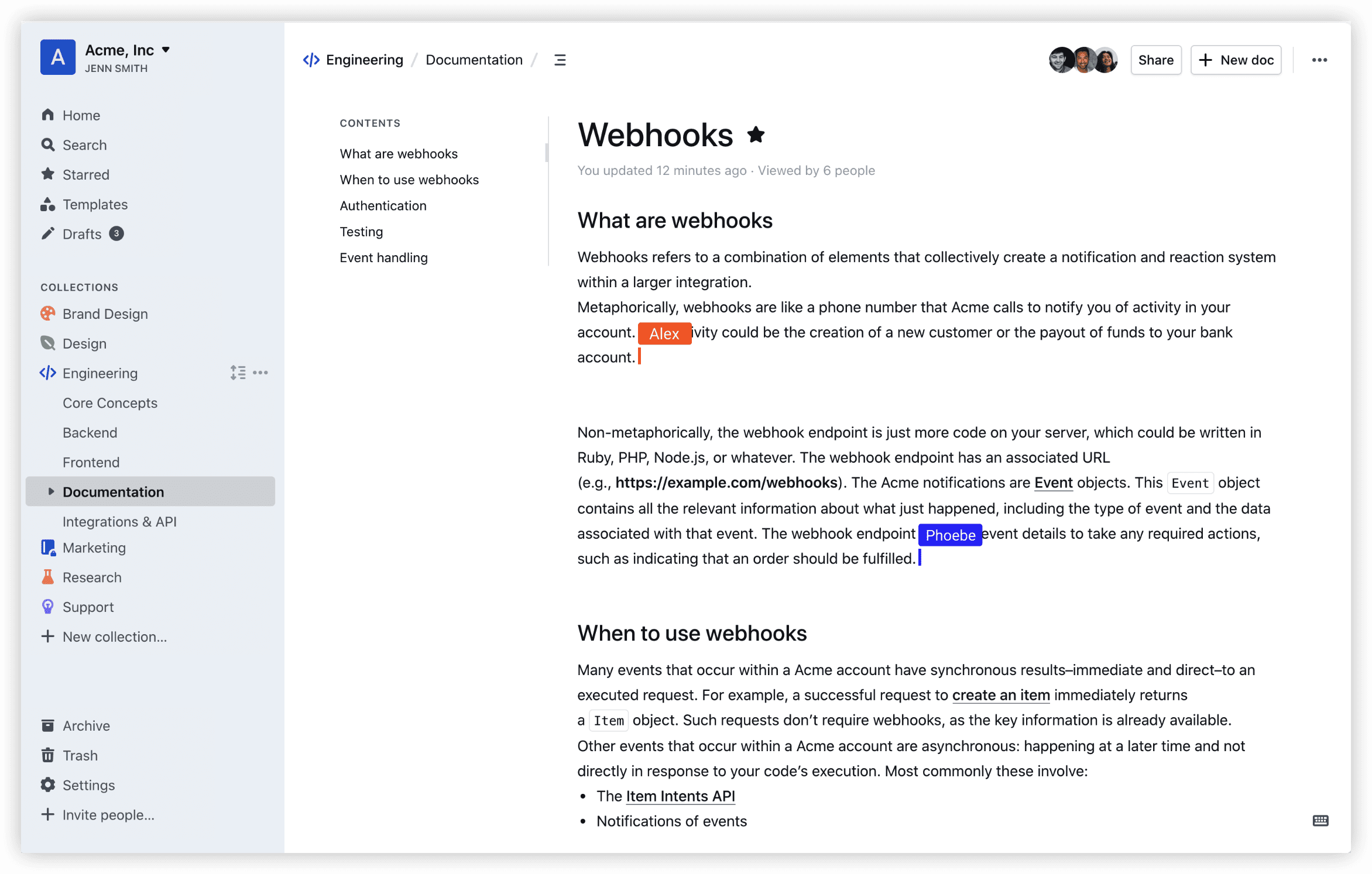
What distinguishes it from Confluence: Self-hosted deployments incur only infrastructure costs — frequently under $15 monthly total — with no per-user metering regardless of headcount fluctuations. For organizations preferring managed service, cloud hosting is available at standard per-user rates. The functional scope is deliberately limited to knowledge management without project or portfolio capabilities.
Best suited for: Teams with technical operations capacity seeking data sovereignty and predictable infrastructure costs, or those seeking to eliminate per-seat pricing exposure entirely.
Pricing: Self-hosted at no license cost (infrastructure only); Outline Cloud at $19 per user monthly for the Team plan.
Comparative Summary
| Platform | Primary Use Case | AI Search Capability | Self-Hosting Option | Entry Paid Price |
|---|---|---|---|---|
| ONES | Enterprise R&D governance | Integrated analytics | Enterprise deployment | Custom quote |
| Slite | Verified team knowledge base | AI Ask (included) | No | $8/member/mo |
| Nuclino | Lightweight operational wiki | Sidekick AI (Business tier) | No | $6/user/mo |
| Notion | Unified workspace | AI search (Business tier) | No | $10/member/mo |
| GitBook | Technical documentation | AI (Ultimate tier) | No | $65/site + $12/user |
| Coda | Interactive documents | Available | No | $30/maker/mo |
| Outline | Self-hosted knowledge base | Limited | Yes | Free self-host / $19/user cloud |
Selection Guidance by Organizational Context
Enterprise R&D operations with compliance requirements: ONES provides the integrated governance, cross-team coordination, and effectiveness measurement that fragmented toolchains cannot replicate.
Teams prioritizing content trustworthiness: Slite’s verification workflows and citation-backed AI responses address documentation decay directly.
Small teams minimizing overhead: Nuclino delivers functional documentation with minimal administrative investment.
Consolidation-oriented organizations: Notion replaces multiple single-purpose tools, though discipline in workspace architecture is essential.
Engineering documentation with release alignment: GitBook’s repository synchronization supports documentation-as-code practices.
Large read-heavy populations: Coda’s maker-pays model eliminates per-seat cost exposure for consumer-majority organizations.
Data sovereignty and cost predictability priorities: Outline’s self-hosting option removes vendor pricing variability entirely.
Frequently Asked Questions
What pricing changes prompted Confluence migration evaluations in 2026?
Atlassian implemented two adjustments effective October 15, 2025: a cloud price increase of approximately 5% on Standard and 7.5% on Premium tiers, and a shift to maximum quantity billing. The latter charges based on peak active user count during any point in the billing period rather than period-end headcount, making temporary staffing additions disproportionately expensive.
How does maximum quantity billing function?
Monthly invoices reflect the highest number of active users recorded at any point during the billing cycle. Contributors added mid-period — contractors, seasonal staff, or temporary project participants — generate charges for the complete billing period regardless of actual duration of access.
Which alternative most closely parallels Confluence’s core functionality?
For general team knowledge management, Slite and Notion represent the most common migration paths. Slite offers a focused wiki with strong AI search and content freshness verification. Notion provides broader workspace flexibility with integrated database and project tracking capabilities. Engineering teams typically evaluate GitBook for documentation-specific requirements.
What strategies eliminate per-seat pricing exposure entirely?
Self-hosting an open-source or source-available platform like Outline transfers costs to infrastructure only. Alternatively, consumption models such as Coda’s maker-pays structure decouple read-only access from seat licensing, substantially reducing charges for organizations with high viewer-to-creator ratios.
When should enterprise R&D teams evaluate ONES specifically?
Organizations managing complex product development across multiple teams, requiring integrated requirements-to-release traceability, or operating under governance frameworks that demand auditable permission structures and effectiveness measurement should prioritize ONES evaluation. The platform’s unified architecture eliminates the integration tax and data fragmentation inherent in assembling separate project management, documentation, testing, and deployment tools.