400-188-1518
8 Best Jira Alternatives in 2026 for Every Team Size
Searching for a capable replacement for Jira? We evaluated eight platforms across usability, pricing, integration depth, and real-world delivery performance to identify the strongest options for 2026. The tools covered in this guide are:
- ONES — Best for enterprise-scale R&D management
- Linear — Best for fast-moving engineering teams
- ClickUp — Best all-in-one workspace
- Asana — Best for marketing and operations teams
- Monday.com — Best for visual project tracking
- Trello — Best for simple Kanban boards
- Notion — Best for docs and tasks together
- GitHub Projects — Best for teams already on GitHub
Jira has dominated software project management for more than twenty years, yet its position as the default option does not guarantee it fits every organization. In 2026, numerous teams report that Jira’s administrative burden, sluggish interface, and escalating costs motivate them to seek platforms better aligned with their actual workflows. Whether you lead a startup prioritizing velocity or an enterprise group exhausted by Jira configuration overhead, this analysis examines eight viable alternatives worth serious consideration.
Why Teams Consider Moving Beyond Jira
Several recurring factors drive organizations to evaluate replacements:
- Administrative overhead — Jira’s scheme, workflow, and screen configuration demands specialized expertise that smaller teams rarely possess.
- Performance limitations — Cloud instances struggle with latency when loading boards containing thousands of issues.
- Cost trajectory — Atlassian’s cloud-only pricing structure has increased total expenditure for many customers.
- Mismatch for non-developers — Marketing, design, and operations personnel frequently find the developer-centric model counterintuitive.
- Tool fragmentation — Documentation requires Confluence, lightweight planning needs Trello, creating discontinuity that competitors address through consolidation.
Detailed Evaluation of Eight Jira Alternatives
1. ONES — Best for Enterprise-Scale R&D Management
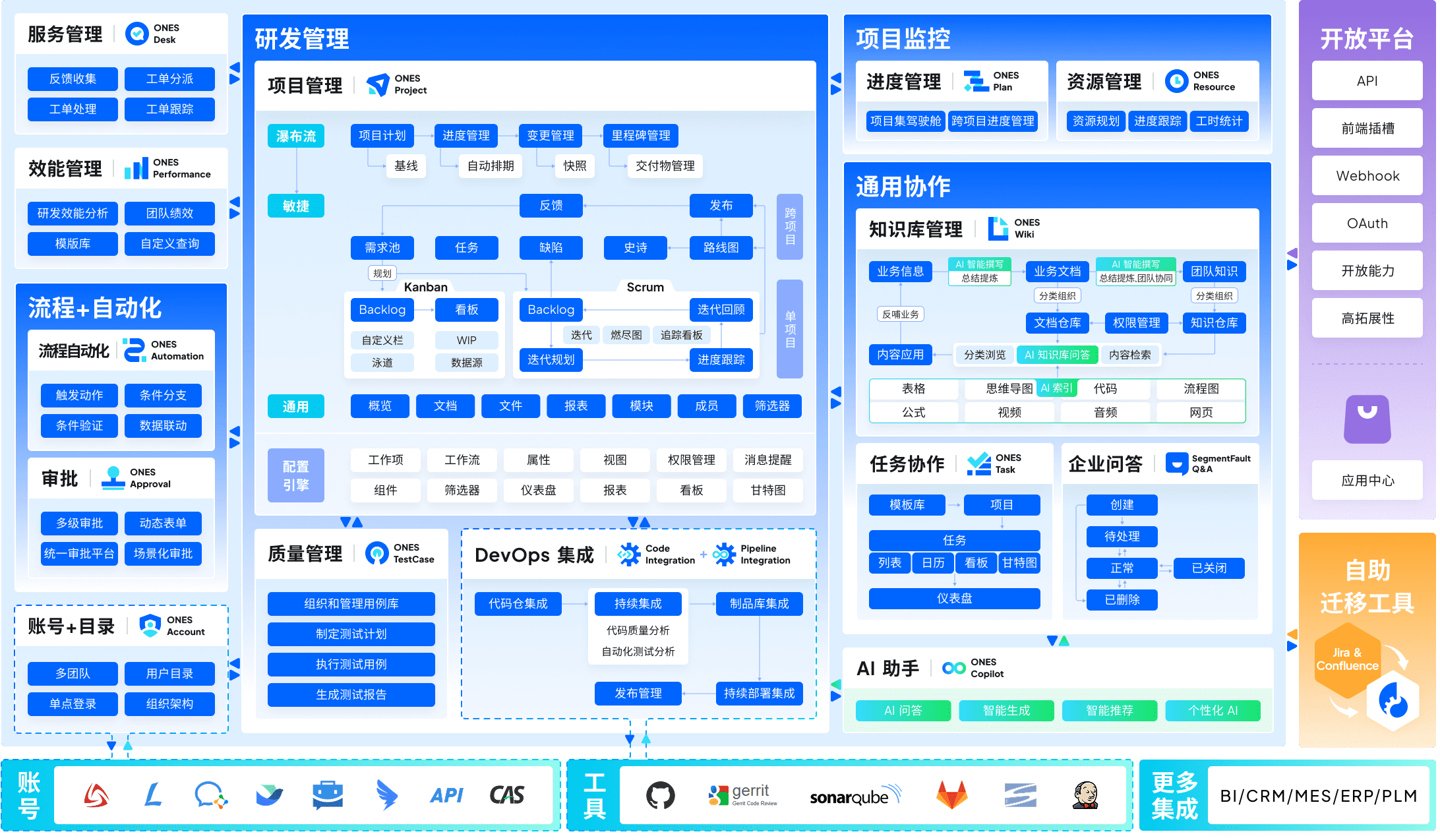
ONES serves as an enterprise-grade research and development management platform designed for organizations requiring unified tooling across complex delivery pipelines. Unlike point solutions that address single phases of the software lifecycle, ONES integrates project management, requirements traceability, knowledge repositories, test management, CI/CD pipelines, and code management within one system.
The platform particularly suits medium to large organizations that must configure sophisticated workflows, granular permission models, and cross-team collaboration governance without accepting the fragmentation of multiple disconnected tools. ONES emphasizes engineering effectiveness measurement, enabling leadership to identify bottlenecks and drive data-informed improvements to delivery quality and efficiency.
Notable capabilities: End-to-end lifecycle integration, complex workflow and permission configuration, cross-departmental collaboration frameworks, built-in metrics for delivery performance analysis.
Ideal for: Medium and large enterprises, technology organizations with rigorous compliance requirements, teams seeking to reduce tool proliferation.
2. Linear — Best for Fast-Moving Engineering Teams
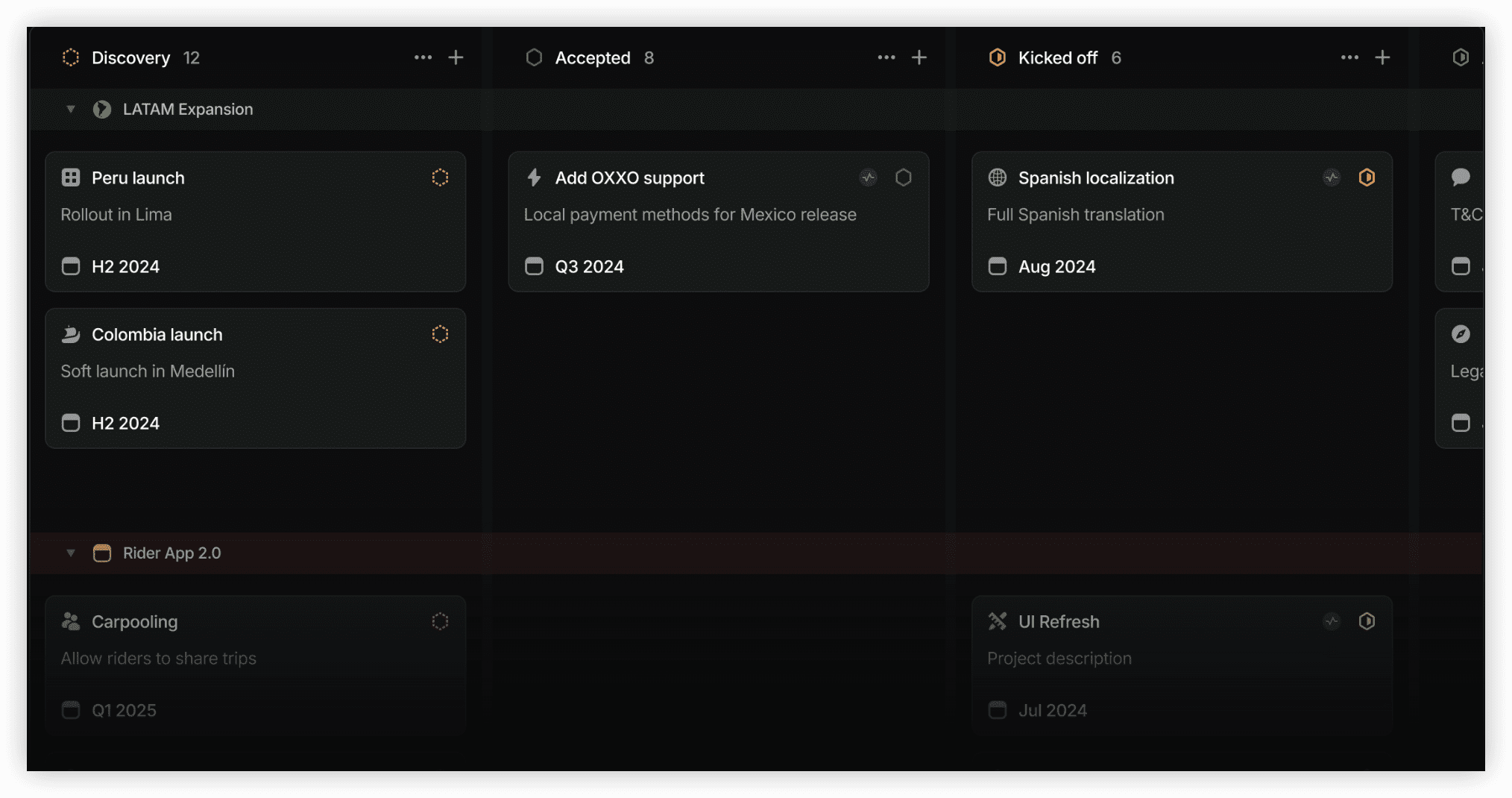
Linear approaches issue tracking with velocity as the paramount design principle. Interactions execute with minimal latency, supported by comprehensive keyboard shortcuts, rapid filtering, and an intentionally restrained interface.
Notable capabilities: Sub-100 millisecond response times, prescriptive workflow defaults, Cycles functionality for sprint planning, native GitHub and GitLab integration with automatic status synchronization.
Ideal for: Startups and mid-size engineering groups ranging from five to one hundred developers.
3. ClickUp — Best All-in-One Workspace
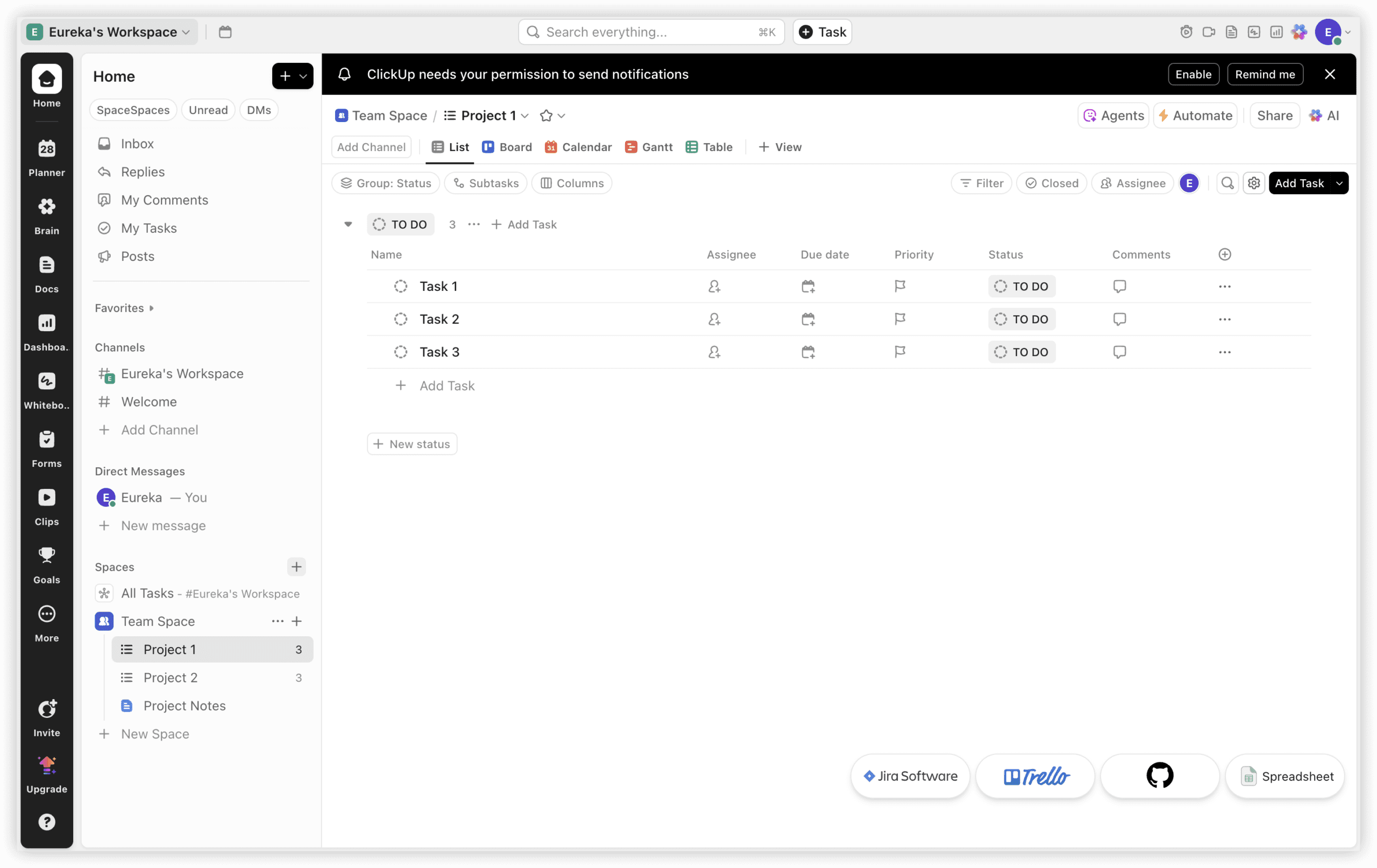
ClickUp pursues comprehensive functionality across documentation, whiteboarding, goal setting, time tracking, sprint management, and dashboard visualization within a single environment.
Notable capabilities: Fifteen-plus view configurations (Board, List, Gantt, Timeline, Workload), integrated documentation eliminating separate wiki tools, native time tracking, competitive scaling economics.
Ideal for: Cross-functional groups and agencies requiring project management, documentation, and collaboration without multiple subscriptions.
4. Asana — Best for Marketing and Operations Teams
Asana occupies the intermediate position between Jira’s elaborate configuration demands and Trello’s elementary simplicity. Its approachable interface enables adoption by non-technical participants without extensive training.
Notable capabilities: Portfolio overview for multi-project visibility, robust no-code automation rule construction, extensive marketing technology integrations (HubSpot, Salesforce, Slack).
Ideal for: Marketing departments, operations units, and enterprises where technical staff represent a minority of users.

5. Monday.com — Best for Visual Project Tracking
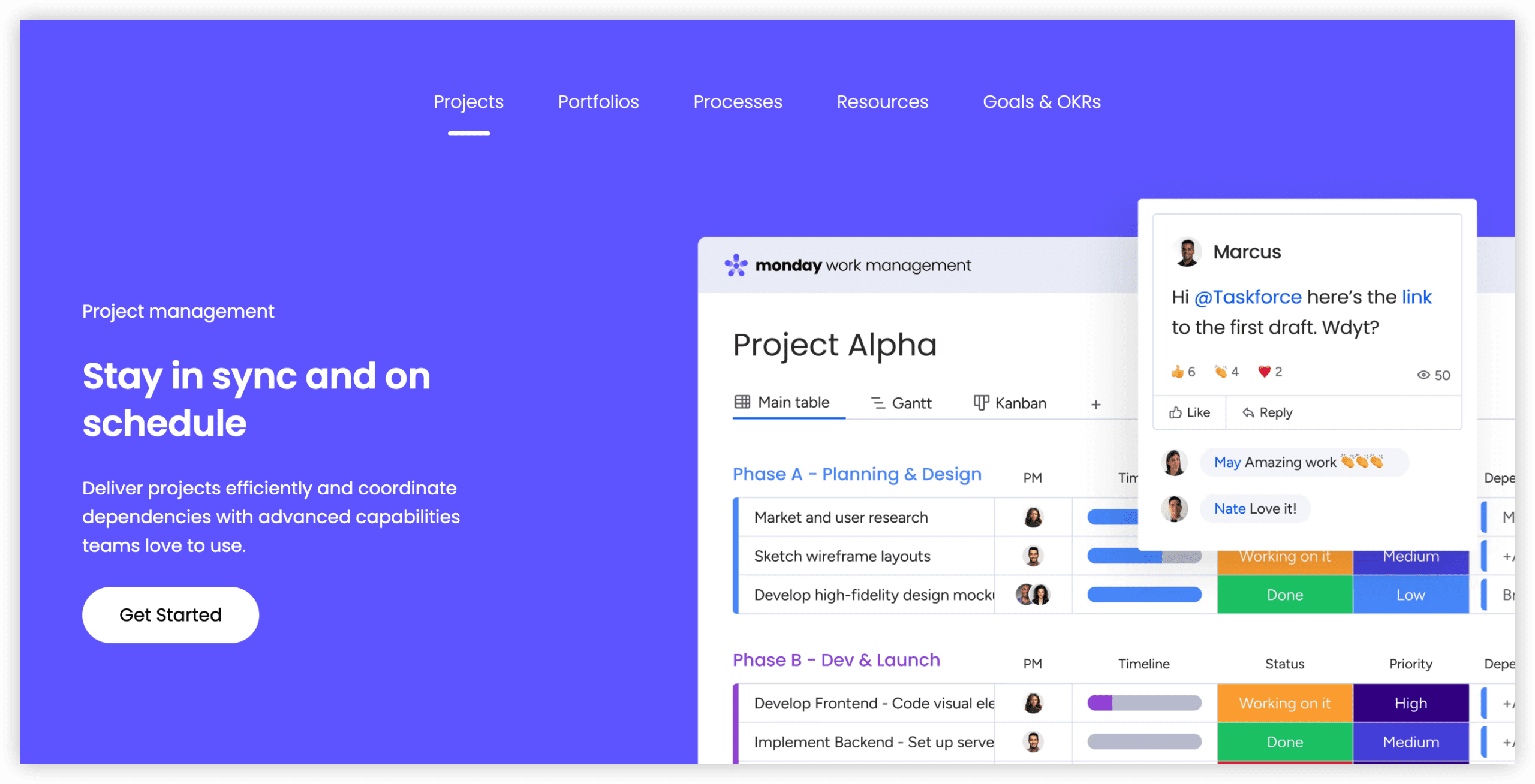
Monday.com presents project management through a spreadsheet-derived paradigm enhanced with substantial customization capabilities. Its color-coded, column-based boards enable straightforward workflow construction.
Notable capabilities: Highly visual board configuration, customization accessible without administrative expertise, integrated CRM and development modules, two-hundred-plus automation templates.
Ideal for: Teams prioritizing visual workflow representation and requiring participation from stakeholders without technical backgrounds.
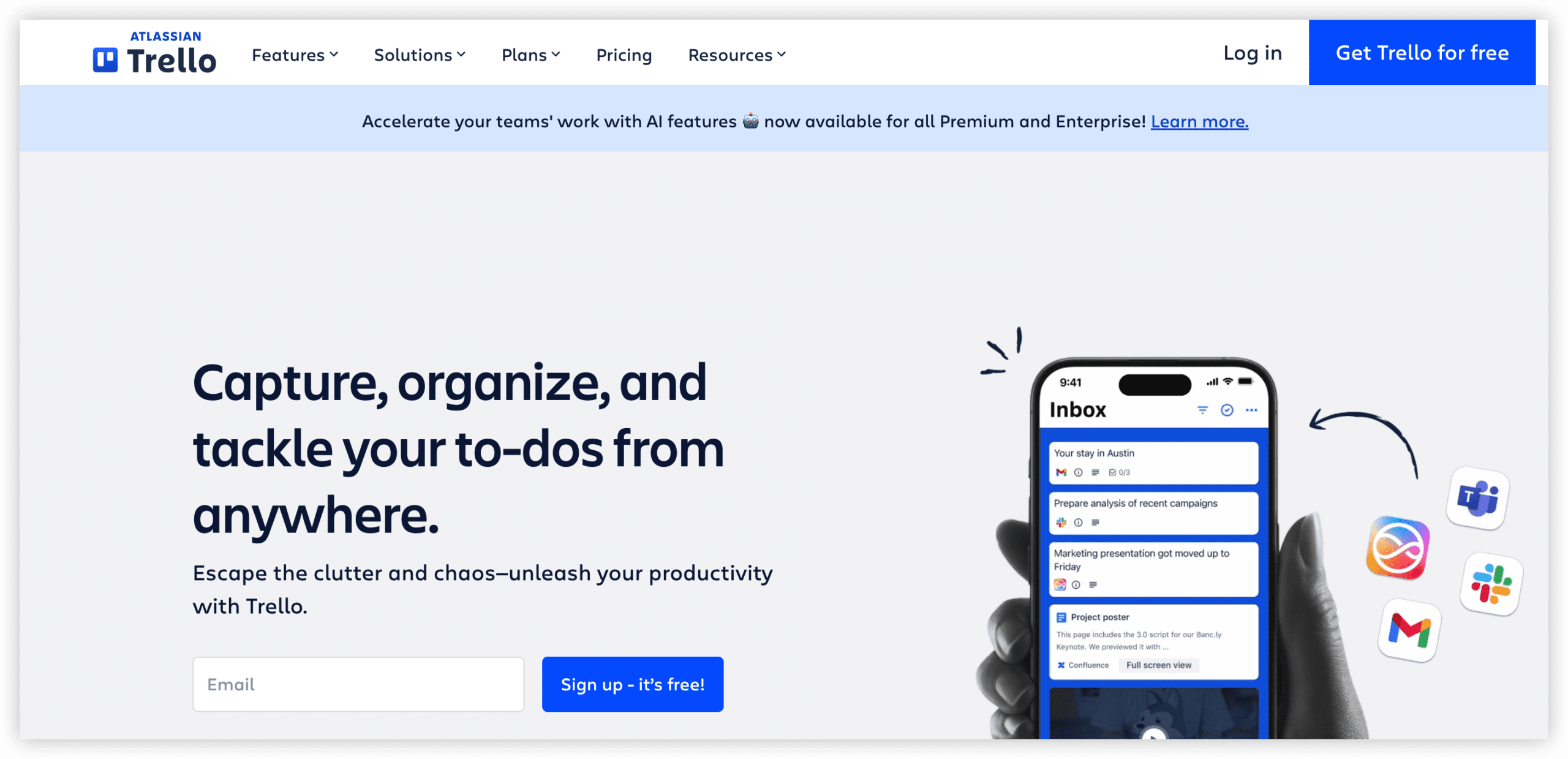
6. Trello — Best for Simple Kanban Boards
Trello continues to provide the most accessible entry point for visual task management. As an Atlassian property, it functions as the lightweight counterpart to Jira’s comprehensive approach.
Notable capabilities: Negligible learning curve, substantial free tier (unlimited cards), Power-Up ecosystem for capability extension, Butler automation engine.
Ideal for: Small teams, independent professionals, and individual productivity management.
7. Notion — Best for Docs and Tasks Together
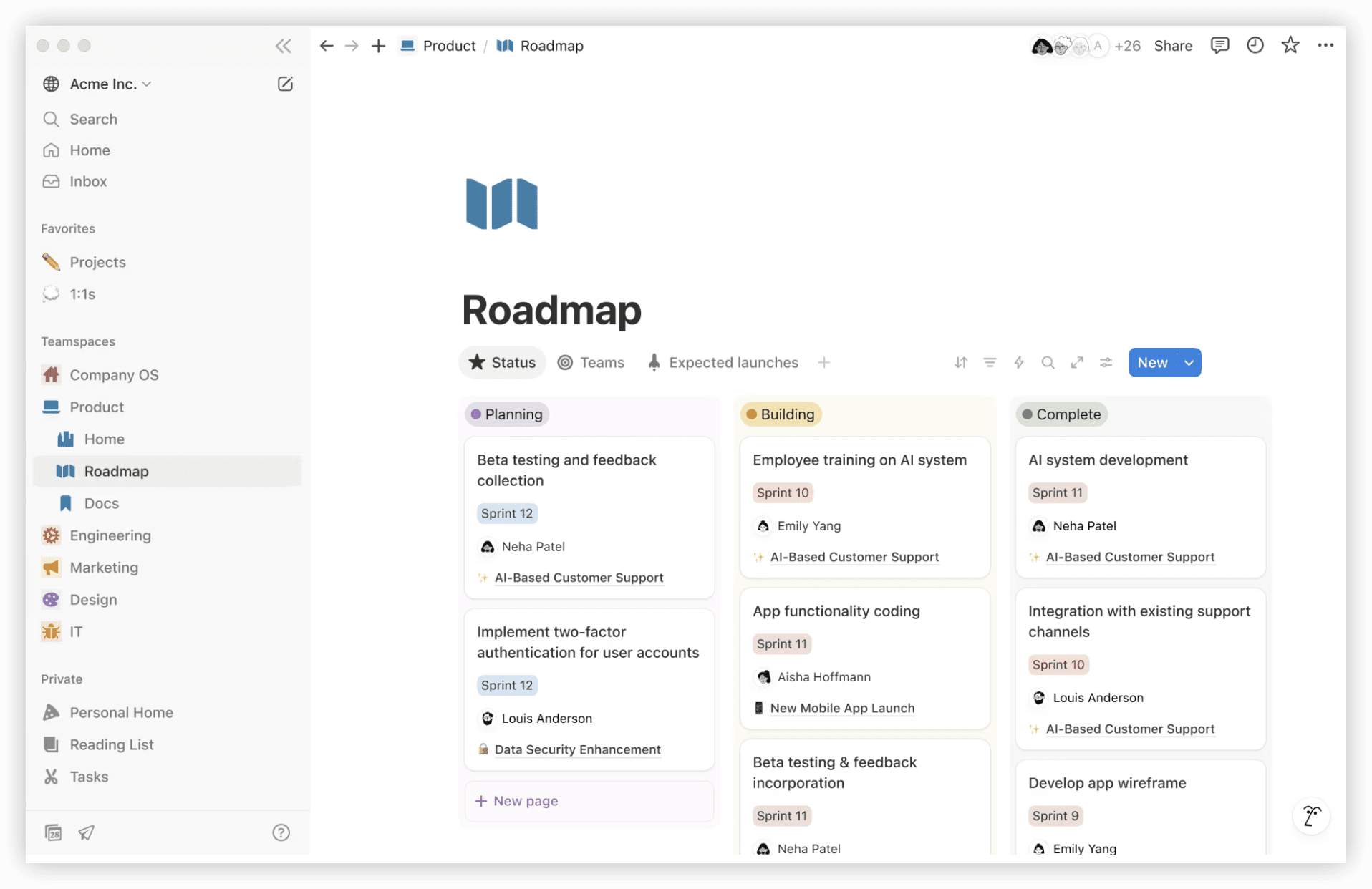
Notion offers a malleable workspace where database constructs generate custom views (Kanban, table, calendar, timeline) competitive with dedicated project management applications.
Notable capabilities: Consolidated documentation, wiki, and task management, extreme configurability, artificial intelligence features for search and content summarization.
Ideal for: Startups seeking to unify documentation and project tracking within one subscription.
8. GitHub Projects — Best for Teams Already on GitHub
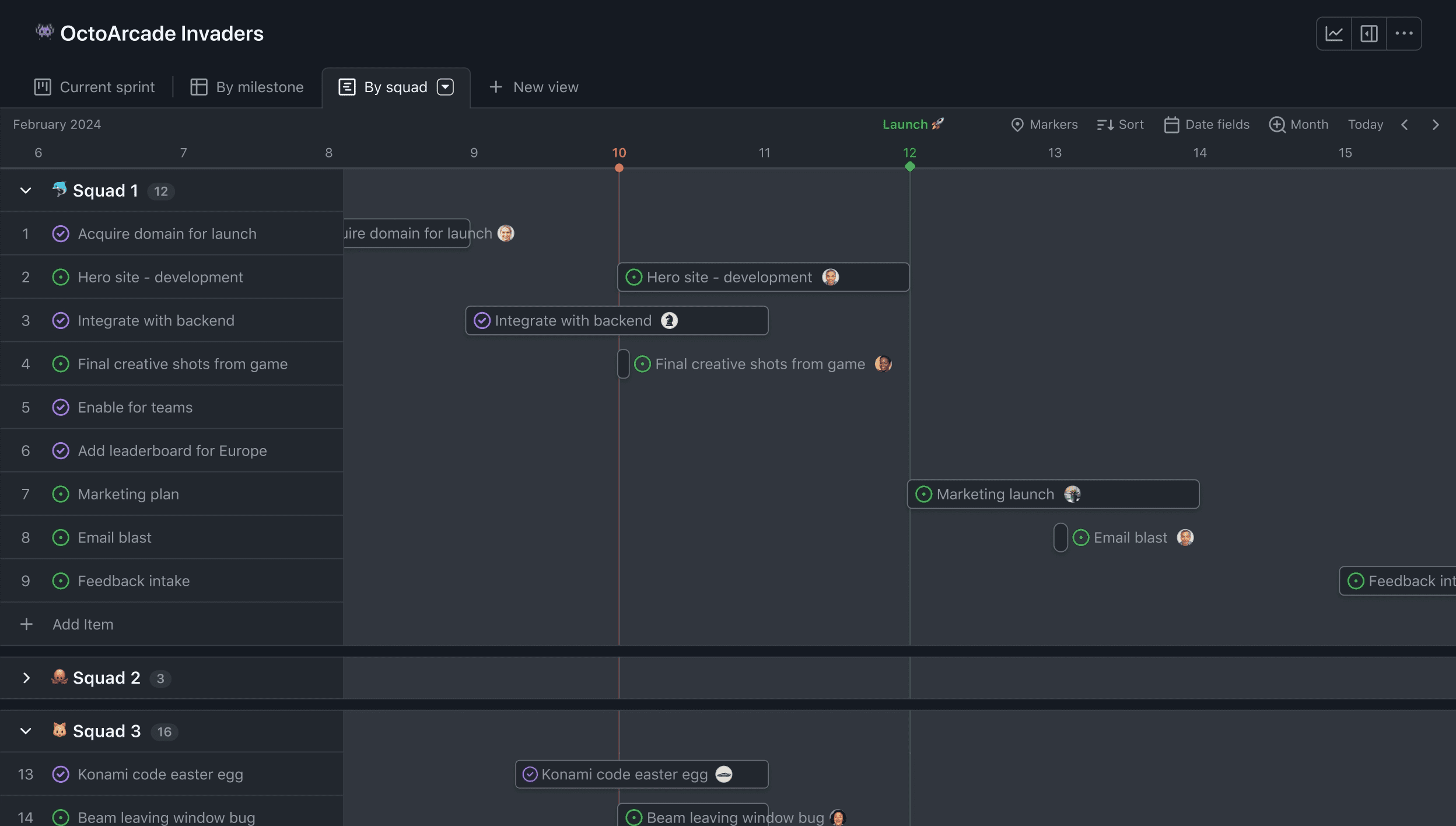
GitHub Projects has matured from basic Kanban functionality into a legitimate project management layer incorporating custom fields, multiple view configurations, and roadmap tracking connected to pull requests and source code.
Notable capabilities: Eliminated context switching between code and planning, complimentary availability for open-source contributors, automated workflows triggered by repository events.
Ideal for: Development teams already centered on GitHub seeking to avoid additional tool adoption.
Comparative Overview
| Platform | Free Tier | Starting Price | Primary Use Case | Sprint Support |
|---|---|---|---|---|
| ONES | Contact for details | Enterprise pricing | Large-scale R&D management | Yes |
| Linear | 250 issues | $8/user/month | Fast engineering teams | Yes (Cycles) |
| ClickUp | Unlimited | $7/user/month | All-in-one workspace | Yes |
| Asana | 10 users | $10.99/user/month | Marketing and operations | No |
| Monday.com | 2 seats | $9/seat/month | Visual workflows | Yes (Dev product) |
| Trello | Unlimited cards | $5/user/month | Simple Kanban | No |
| Notion | Unlimited | $10/user/month | Docs and tasks | Custom build |
| GitHub Projects | Included with GitHub | $4/user/month (GitHub Team) | GitHub-native teams | Iterations |
Selection Guidance
Consider these match patterns when deciding:
- Predominantly engineering-focused with enterprise complexity — ONES provides the integrated depth and governance capabilities that large R&D organizations require.
- Engineering-focused without administrative resources — Linear or Shortcut offer developer-centric functionality without configuration overhead.
- Consolidated tool stack priority — ClickUp or Notion reduce subscription sprawl by combining multiple functions.
- Non-technical majority — Asana or Monday.com present interfaces accessible to participants regardless of technical background.
- Minimalist task tracking — Trello preserves simplicity above all other considerations.
- Existing GitHub commitment — GitHub Projects adds planning capability without introducing external dependencies.
Frequently Asked Questions
Which Jira alternative suits enterprise R&D organizations in 2026?
Organizations managing complex, multi-team research and development pipelines should evaluate ONES for its unified lifecycle coverage and governance capabilities. Teams prioritizing speed over scale may prefer Linear.
Do free tiers provide sufficient functionality for small teams?
Most platforms offer substantial free tiers. Linear’s 250-issue limit, Trello’s unlimited cards, and GitHub Projects’ inclusion with existing GitHub accounts provide genuine starting points for teams with limited budgets, though scaling typically necessitates paid plans.
How should teams evaluate migration complexity from Jira?
Assess data export requirements, workflow recreation effort, integration dependencies, and user retraining needs. Platforms with Jira import wizards and analogous workflow structures reduce transition friction. ONES and Linear both offer structured migration support for organizations undertaking this process.
What distinguishes developer-focused alternatives from general-purpose tools?
Developer-centric platforms emphasize Git integration, code-adjacent workflows, and performance with large issue volumes. General-purpose tools prioritize cross-departmental accessibility and broader collaboration patterns. The appropriate choice depends on whether technical or non-technical participants constitute your primary user base.
Last reviewed and updated: April 26, 2026
Pricing and feature information may change. Consult official product websites for current details.